


While Apple offers a dedicated Journal app on the iPhone, Android users must rely on third-party apps to create the perfect digital sanctuary for their thoughts. This has driven many, including myself, to seek out third-party solutions. Among them, I came across Day One. Heralded as the top journaling app on the iPhone, Day One promises to deliver an elegant UI, powerful features, and cross-platform availability.
The burning question is: Does it live up to the hype, and can it fill the void left by Google? In this post, I share my experience with Day One, explore its design, functionality, and pricing, and whether it’s worth ditching your current journal app on Android.


Related
A notable omission in cross-platform availability

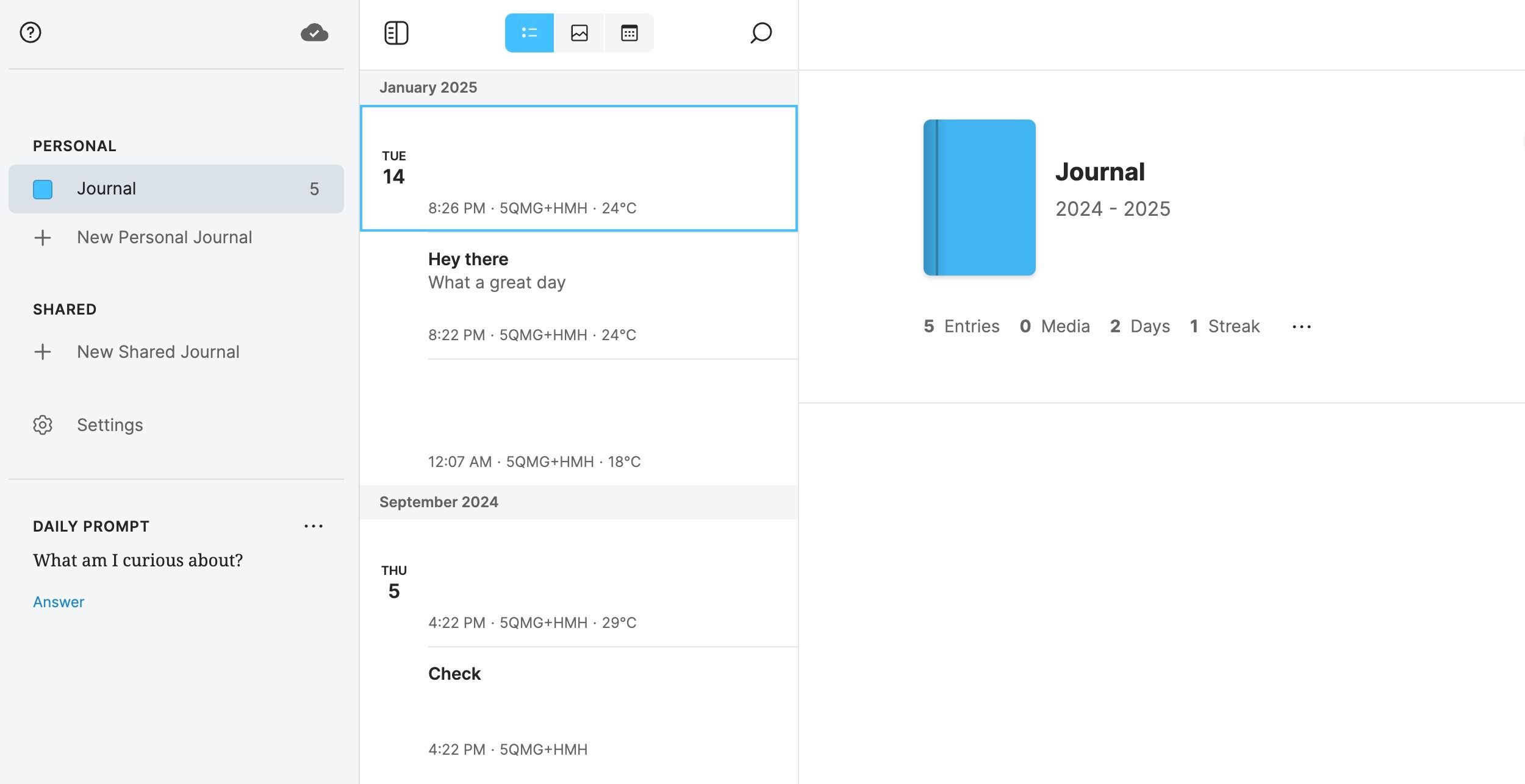
With native apps on iPhone, iPad, Mac, and Apple Watch, Day One used to be an Apple-exclusive app. However, the company announced a native app on Android in 2018 and released a web version. Whether you have a Windows, Linux, or ChromeOS machine, you shouldn’t have difficulty accessing and editing your journal entries.
While Day One covers the basics, as an HP Spectre user, I would love to see a native Windows app. A web app gets the job done, but nothing beats a native experience. The company used to offer a web extension, but after the release of the web version in 2021, they discontinued it.
A passable UI that leaves a lot to desire

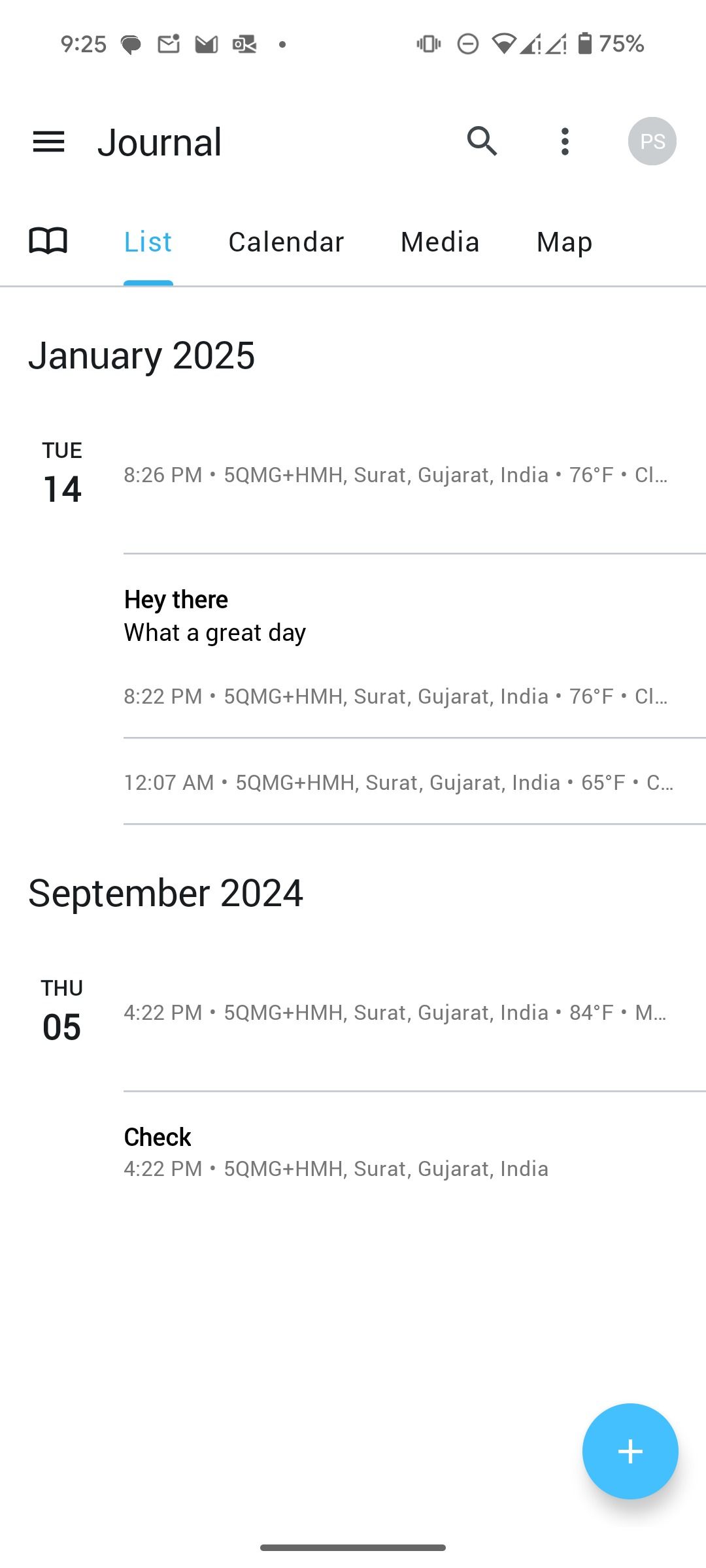
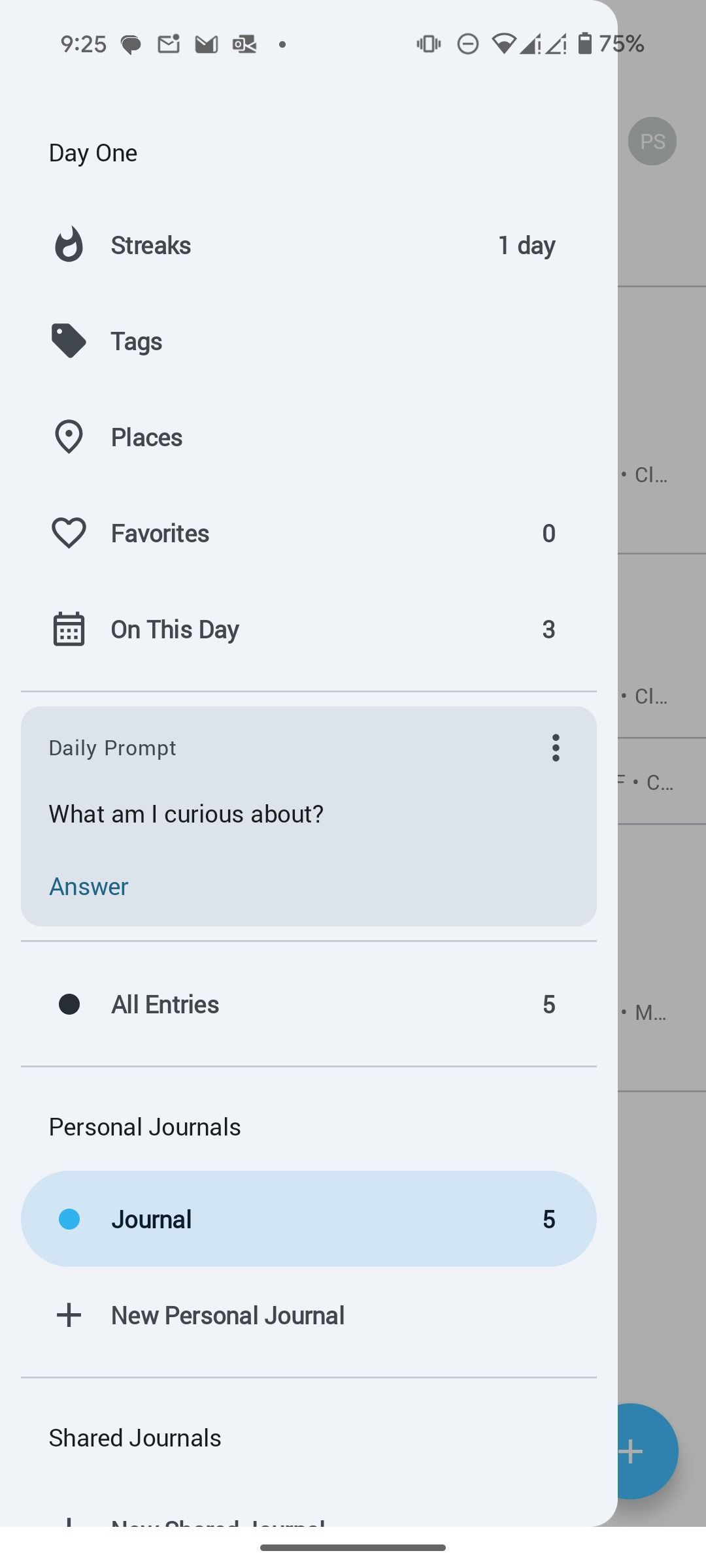
When it comes to Day One UI and UX, it’s a mixed bag. Day One adopts Material Design language. There is a top toolbar, a hamburger menu, and an action button to navigate the UI. While it’s acceptable and doesn’t look outdated, it’s nowhere near the Material You theme. You can only switch between a dark and light theme, and that’s about it. The Android app doesn’t reach the level of polish and sophistication of its iOS variant.
I prefer a modern and dynamic approach, perhaps embracing Material You, the latest iteration of Google’s design system. Imagine Day One seamlessly integrating with your device’s theme, dynamically adjusting its color palette to complement your wallpaper. A bottom navigation bar, a hallmark of Material You, would enhance usability, particularly on larger Android phones. It would offer intuitive and accessible navigation.
Unlike other journaling apps on Android, such as Journey, Day One falls short in visual appeal.
Handy templates for quick entries
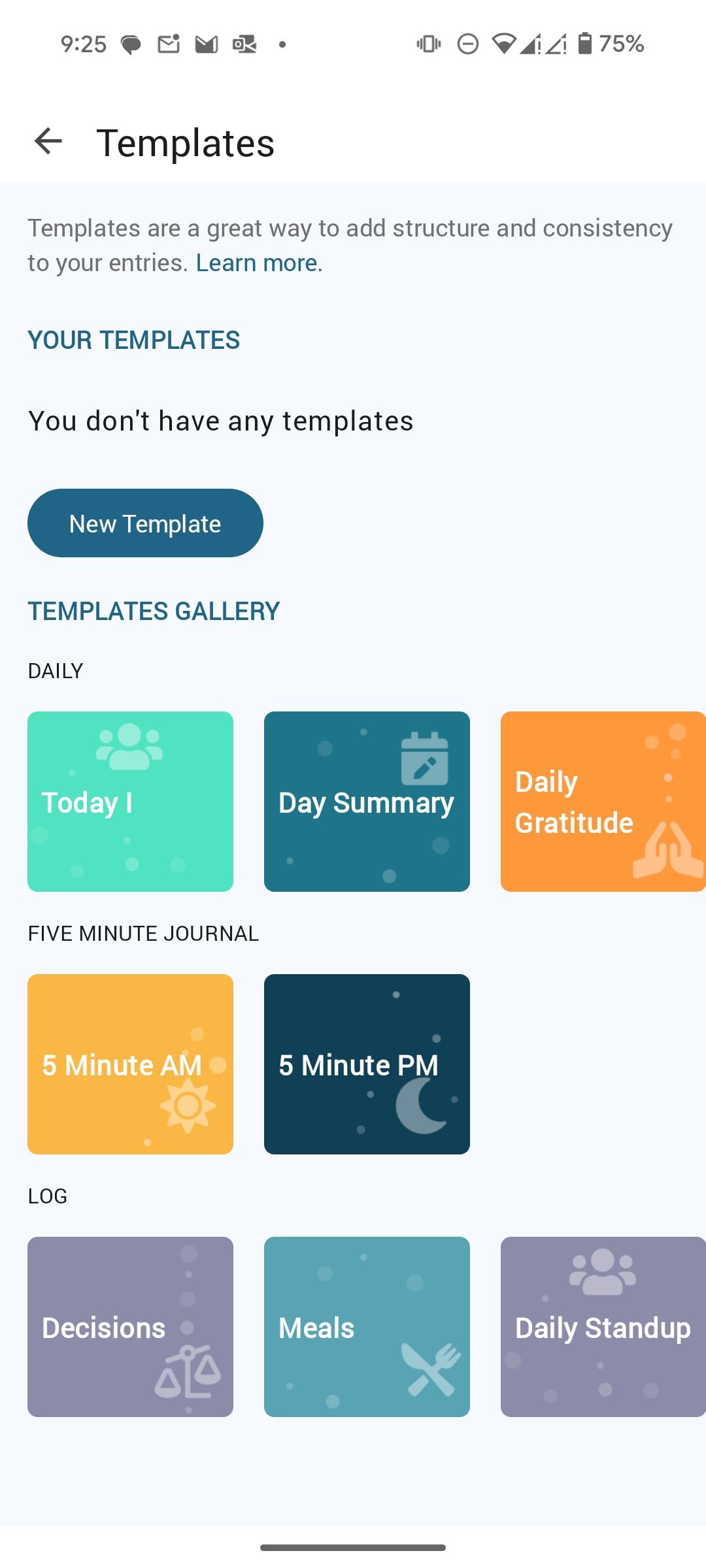
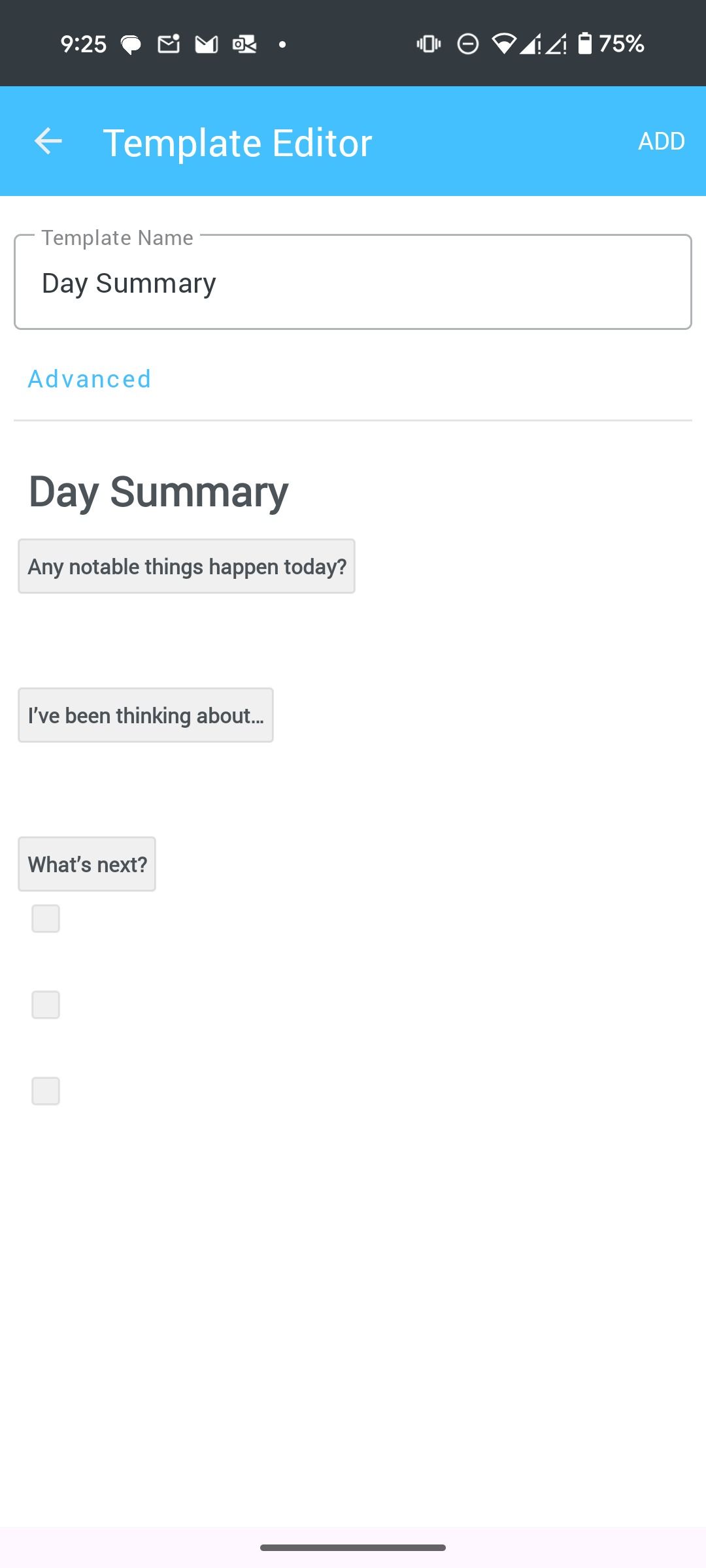
Journaling isn’t a one-size-fits-all activity. To cater to different needs and preferences, Day One offers a handy selection of templates to kickstart your entries. Whether you’re looking for a structured format or a quick way to jot down your thoughts, there’s likely a template that suits your style.
For example, the daily template provides prompts for reflecting on your day and encourages you to capture the highlights, challenges, and lessons learned. If you are in a hurry and want to maintain a consistent journaling habit, use the five-minute journal template.
The real gem is the ability to create custom templates. It lets you personalize your journaling experience and tailor the format to your needs and preferences. I created several templates to track my mood, monitor habits, and document the process.
A long list of features to decorate your memories
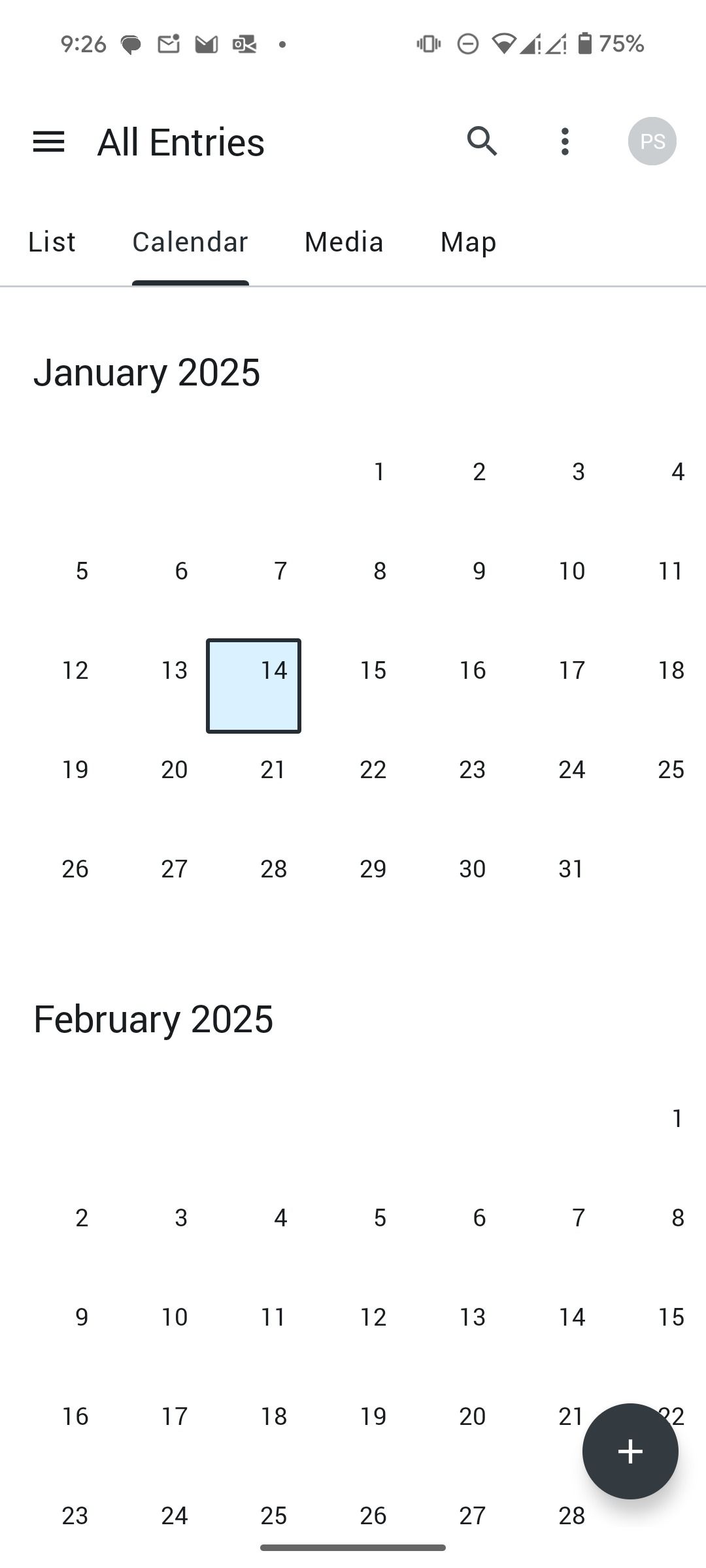
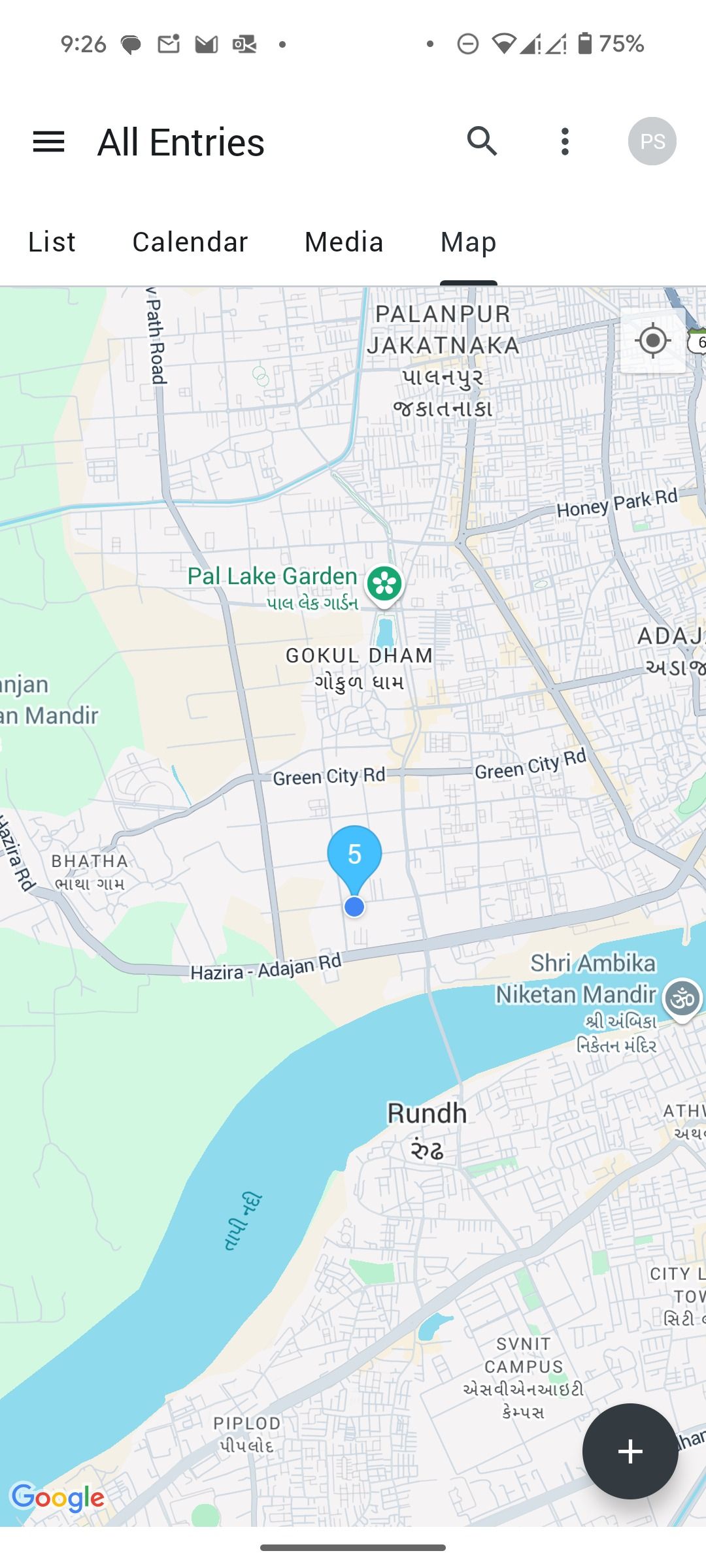
Here is where Day One truly shines. It’s more than a digital notepad. It’s packed with a long list of features and privacy add-ons to keep your personal entries away from prying eyes. You can visualize your entries over time with an interactive calendar. A dedicated media tab lets you browse the photos and videos you added to your entries.
For travel enthusiasts or those who like to log their whereabouts, Day One integrates a map feature. You can see where you were when you wrote specific entries, adding another layer of context to your memories.
Other goodies include a rich formatting editor to craft perfect entries (supports Markdown), shared journals to collaborate with loved ones, detailed stats, and more. Day One also employs end-to-end encryption to give you peace of mind. It allows you to import entries from other platforms or export your journal in various formats.
However, it misses out on home screen widgets, and you can’t upload your entries to your personal blog using WordPress and Ghost.
A subscription model that shouldn’t surprise anyone
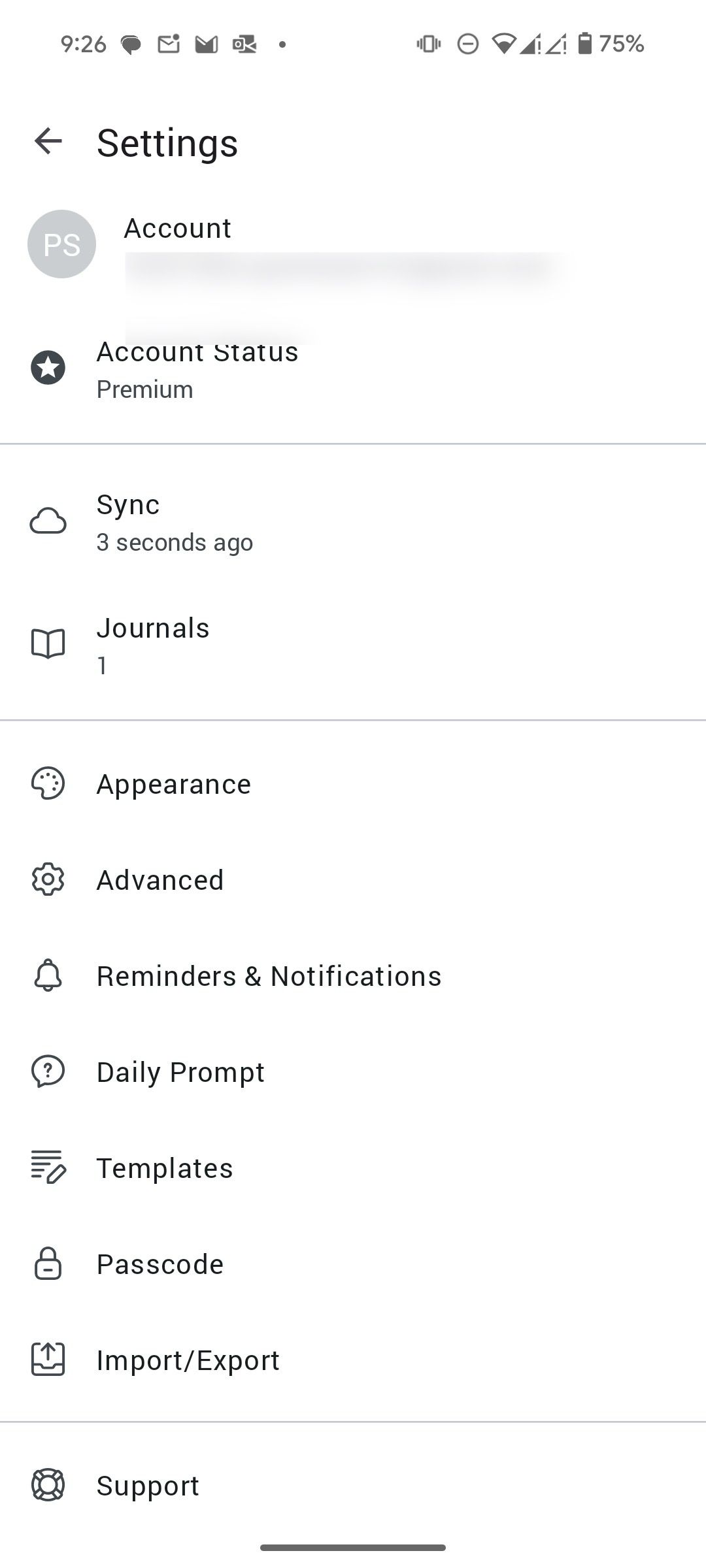
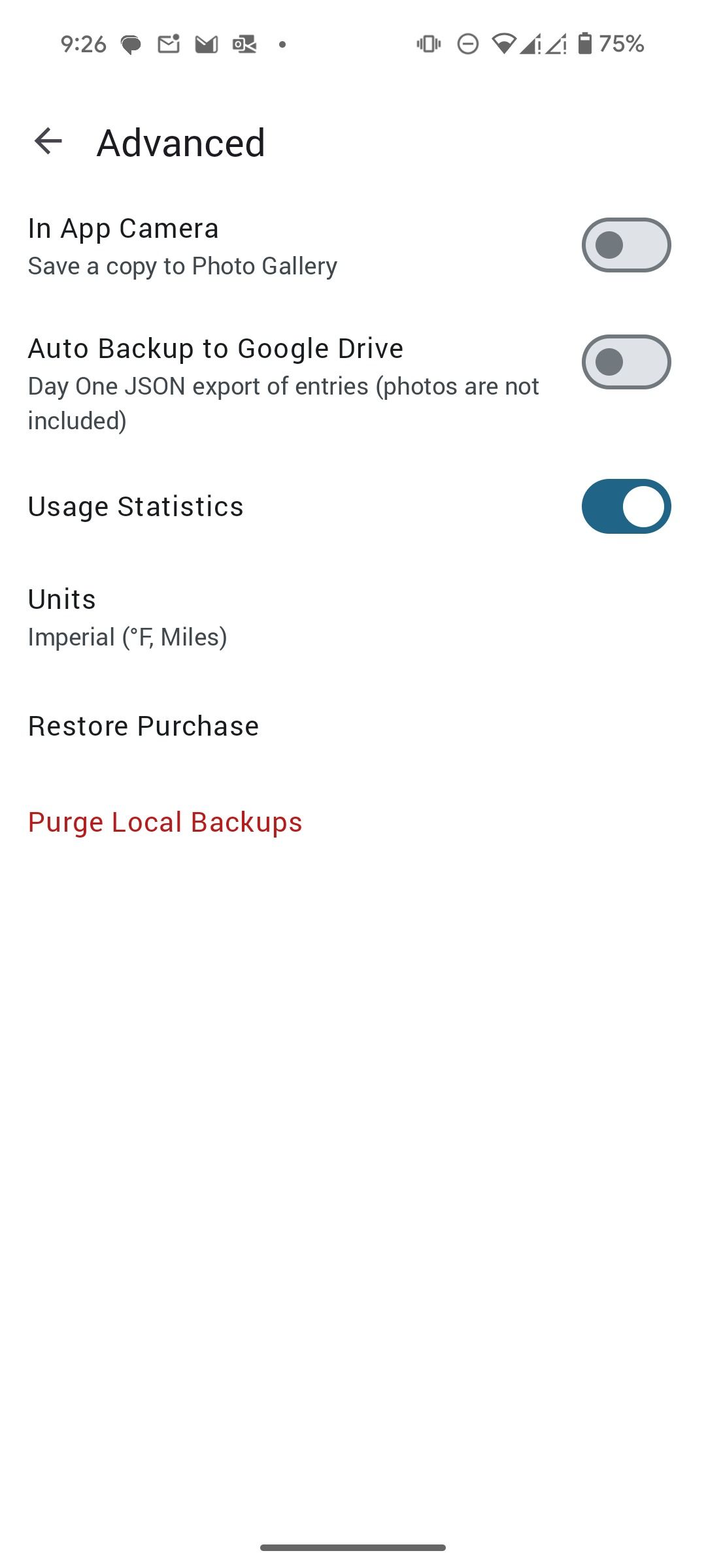
In today’s world, a subscription model shouldn’t surprise anyone. Day One runs on a freemium model. The free plan offers unlimited text entries, but you must upgrade to the Premium plan to unlock all the features. The price starts at $6 per month or $35 per year. There is a 30-day free trial to see if the Premium plan is worth it.
Day One vs. others
There is no shortage of journal apps on Android. However, Day One’s closest competitor remains Journey. In my experience, Journey has a better UI, feels polished, and offers robust features. However, its Mac and web versions feel basic. Before signing up for a paid Day One plan, I recommend testing out Journey.
Jot down your daily thoughts and memories
While not perfect, Day One has proven to be a reliable and feature-rich companion on my digital journaling journey. Its decent UI, powerful features, end-to-end encryption, and cross-platform availability (except for Windows) make it a compelling choice for Android users. Check out my dedicated post if you are looking for more such productivity apps on Android.
link