


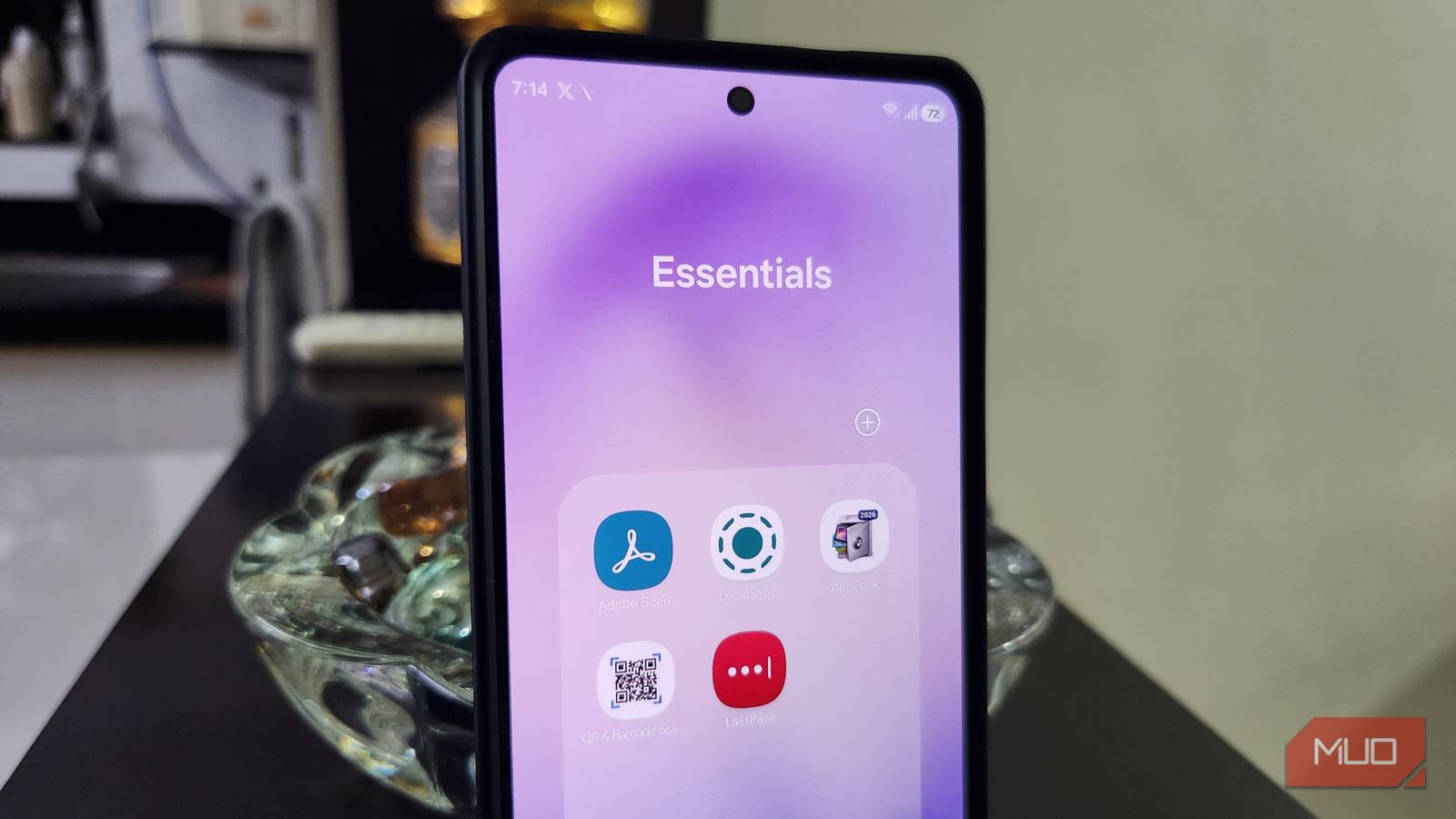
Your Android phone is probably packed with apps for almost everything. A scanner, a QR reader, a password manager, a file transfer tool, and more. Each one solves a specific problem and that’s why they all feel essential.
But Android has evolved into a much more capable platform. And as a result, many of the tasks that once required dedicated apps can now be handled by your phone. They’re faster, better integrated, and don’t cost a penny. Which also means those once “essential” apps are no longer ne eded anymore.


LocalSend
Quick Share does it all now
Apps like LocalSend and Blip are popular because they make cross-device file sharing effortless. You don’t need cables, cloud storage, or worry about platform restrictions.
But Android’s Quick Share is now much more capable. With the Quick Share app on Windows, you can transfer files directly between your phone and your laptop or PC. This way, you don’t need to install anything on your Android phone.
If you have a newer phone like a Galaxy or Pixel, Quick Share now even works with Apple devices. That means you can send and receive files from iPhones, iPads, and MacBooks without having to install an app on either side.
LastPass
Google has you covered


A password manager is something that everyone needs. And apps like LastPass and 1Password have long felt like the obvious choice. But there’s no need to pay a monthly subscription for saving passwords. Android already has a built-in option called Google Password Manager. And yes, you can access it on almost any device.
Google Password Manager can save your logins, autofill them across apps and websites, and sync everything with your Google account. It also comes with a built-in security checkup tool that alerts if your passwords are weak, reused, or involved in a data breach.
And since it’s baked into Android, you don’t need to install another app. On a PC, you can access your credentials via Chrome or directly on the web if you use a different browser.
Adobe Scan
One less app for something so basic

Depending on what you do for a living, a document scanner is one of those apps you either use every single day or only once a week. Either way, it’s something you have to keep installed. And for the longest time, Adobe Scan was my go-to. What I didn’t realize is that Google Drive already comes with a built-in document scanner that pretty much does everything Adobe Scan can.
It lets you scan documents and save them directly as PDFs. It can automatically detect pages, capture them without you pressing the shutter. It can even handle multiple pages in one go, which is quite convenient for scanning stacks of documents. And if you accidentally scan a page twice, it even alerts you instead of duplicating it.
One of my favorites is the “Clean” feature. It removes accidental fingers and shadows that sneak into the frame. And if scanning documents is something you do often, there’s also a handy widget that lets you jump straight into it.
QR & Barcode Scanner
The camera app already does this

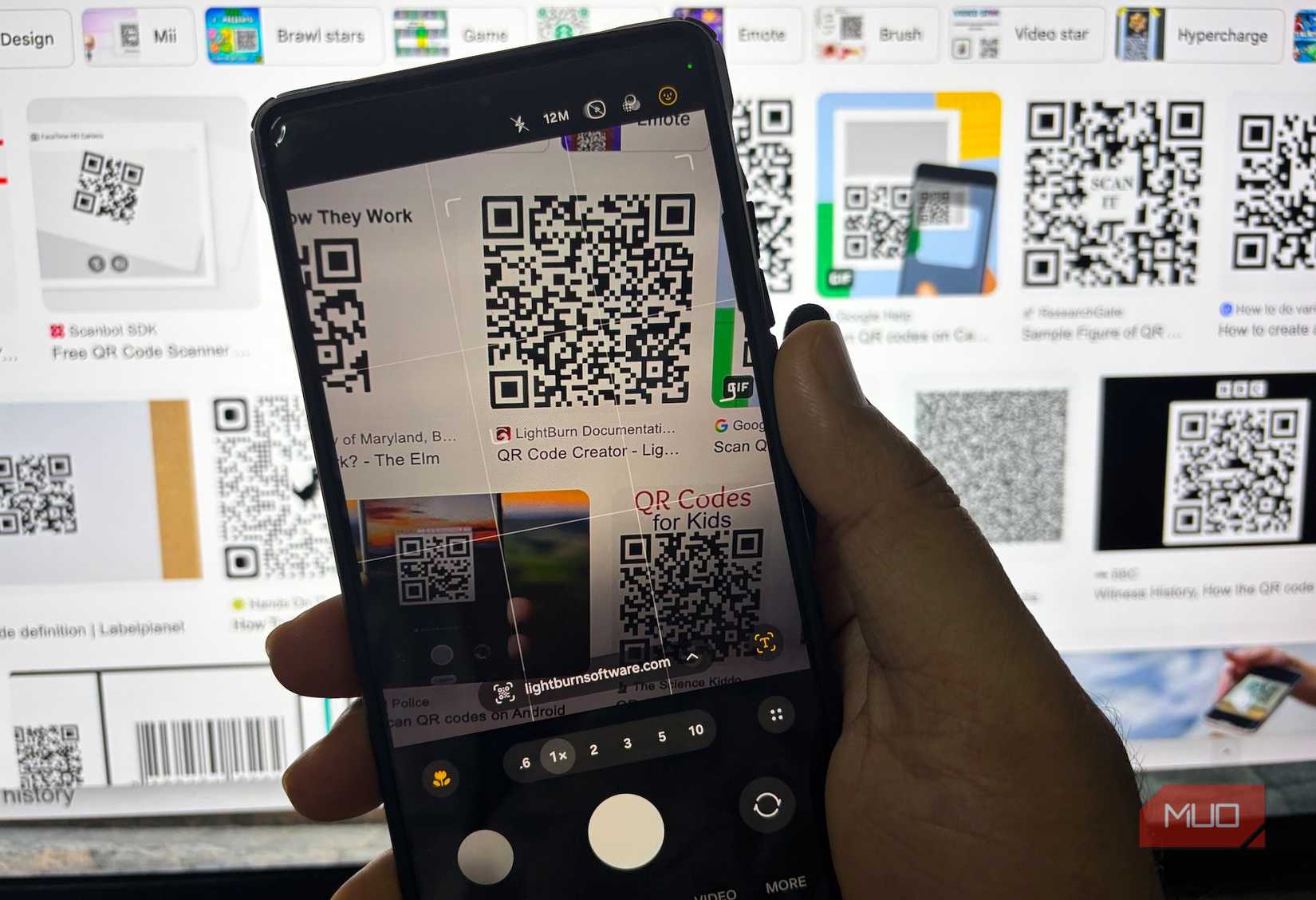
Ever since COVID, QR codes have been everywhere. Menus, payments, tickets, Wi-Fi passwords, you name it. And that has made apps like QR & Barcode Scanner quite popular. But the thing is, the camera app on your phone can already take care of this.
You simply need to point your phone’s camera towards the code, and it’ll scan it automatically. On some phones, you may need to enable this feature from camera settings first. The best part is, unlike third-party QR code scanners, you don’t need to put up with ads or pay for any features. It just works.
Private Photo Vault and App Lock
Android finally handles privacy right

If you’ve been a longtime Android user, you’ve probably installed apps like Private Photo Vault and App Lock at some point. For years, Android didn’t really offer a proper way to hide sensitive photos or lock certain apps. But that’s not true anymore.
For hiding personal photos and videos, Google Photos has something called Locked Folder. You can simply move your sensitive media into it, and it disappears from your main gallery. If you’re using a different gallery app, it likely also offer something similar.
For locking apps, most Android brands like OnePlus, Realme, and Xiaomi already include this option in their system settings. Samsung and Pixel users actually get something even better. On One UI, you can use Secure Folder. It’s a completely encrypted space where you can move your apps, photos, and files. This also means you can have two versions of the same app, which makes it far more powerful than a basic lock. Pixel phones offer something similar with Private Space.
Don’t get me wrong. These third-party apps still have their place. Anyone who benefits from their advanced features will still need them. But for most people, these apps are no longer “must-have” apps.
link