How to automatically revoke app permissions the moment you close the app
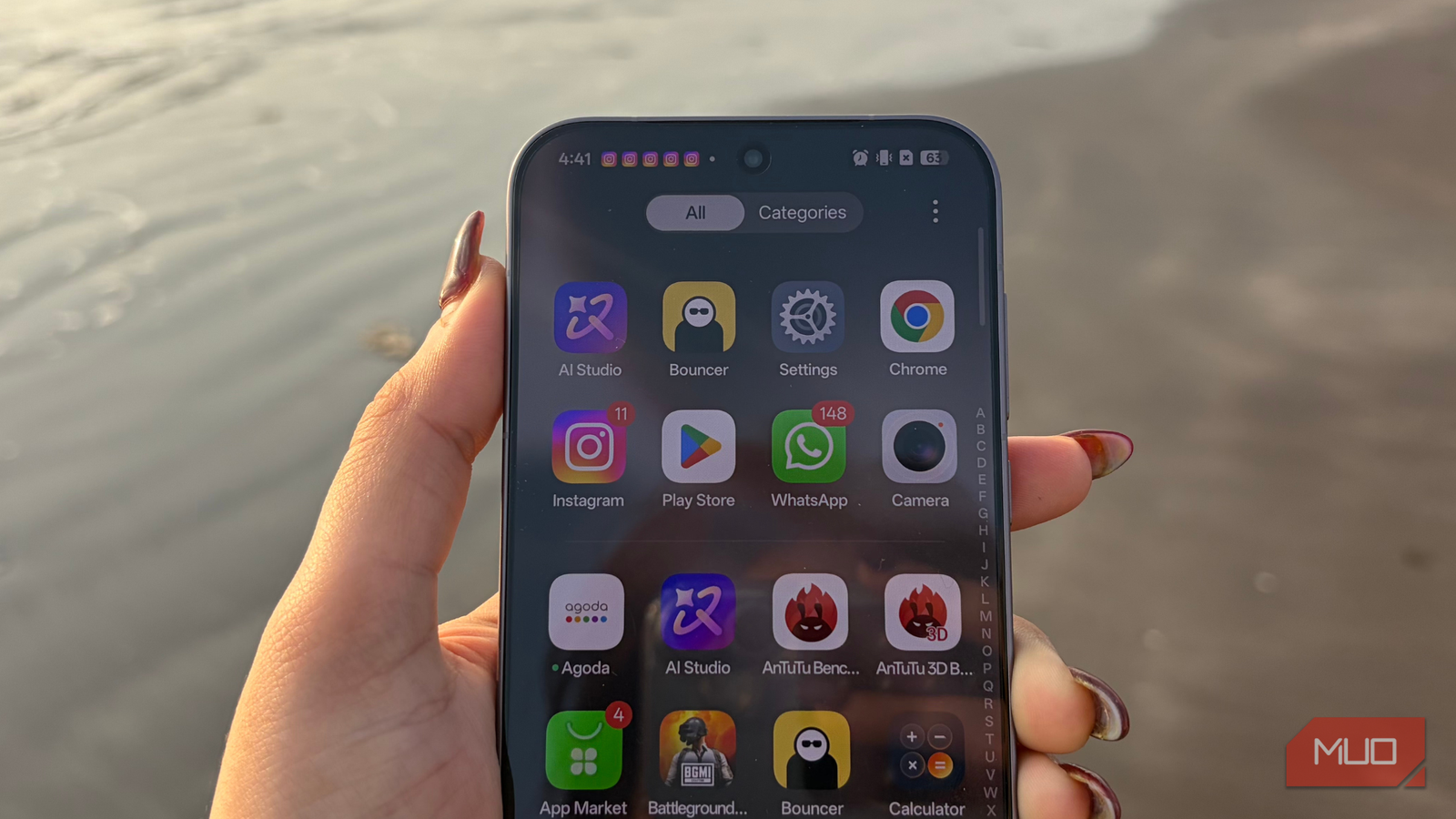
Using a smartphone comes with pros and cons. There are features we genuinely enjoy, and others we might be wary of. App permissions are a perfect example of this trade-off. Today, almost everything we do revolves around apps. To function properly, these apps request access to features like your location, camera, contacts, microphone, and more. Over time, this allows them to collect a significant amount of your data, sometimes even enabling unnecessary or unwanted tracking. Understanding how these permissions work is the first step toward taking back control, and that is exactly what this article helps you do.
So why continue sharing permissions with apps you barely use or have not opened in months? This is where revoking app permissions makes sense. It gives you better control over your data, limits needless access, and helps keep your phone more private. It is something every Android user should be aware of.

An app takes care of this
A quiet guardian for your app permissions
Bouncer is an app that automatically revokes app permissions once an app is done using them, so you do not have to manage everything manually. In simple terms, you grant permission to an app when needed, and Bouncer takes it back in the background.
A few years ago, Bouncer was available on the Google Play Store, but it has since been removed. As of now, the exact reason behind its unavailability remains unclear. In my case, I downloaded it from a third party website linked above instead.
Before you download the Bouncer app, be mindful of where you’re downloading it from. It’s also worth noting that the app hasn’t been updated since 2023, but works fine in my case.
So, what does this app actually do?
Grant it once, take it back later

This app focuses on granting temporary permissions and then automatically revoking them, helping improve both your privacy and battery life. Put simply, when you download an app on your Android phone, it usually asks for access to features like your location, camera, microphone, notifications, and more. Without allowing at least some of these, the app experience can feel limited and incomplete.
However, permanently granting full access to apps you use only occasionally, or no longer use at all, exposes your personal data. And that doesn’t really benefit you. This is where the Bouncer app steps in.
Once you grant permission to an app, Bouncer quietly revokes it after you’re done setting up or using an app. The next time you open that app, you can allow the permission again if needed. Every time you grant access, Bouncer automatically revokes it afterward, ensuring permissions do not linger longer than necessary.
How safe is this app?
A safer route, not a flawless one

The Bouncer app claims that it does not require access to any standard ‘app permissions,’ and during my installation, I wasn’t prompted to grant any. It also does not require any internet connection, which means it cannot send or receive data to or from third-party services, significantly reducing the risk of data tracking.
That said, the app does rely on Android’s accessibility service to function. When you enable this, Android clearly warns that apps with accessibility access can read on-screen content, which is a legitimate concern. While developers state that user privacy is a top priority, granting accessibility always carries inherent risks and should not be taken lightly.
Ideally, if Google offered a built-in solution that handled temporary app permissions natively, third-party apps like Bouncer would become unnecessary. After all, when it comes to personal data, most users would rather avoid even the slightest possibility of added risk.
What are your other options?
A slow fade for unused apps
I completely understand if you do not want to rely on any third-party app, and that is perfectly reasonable. Everybody has their own set of choices when it comes to their data privacy. While Android does not offer a built-in way to automatically revoke permissions the moment you stop using an app, there is a safer alternative worth considering.

To manage permissions for apps you rarely use, long-press the app and tap the App Info icon. From there, head to Permissions, scroll down, and toggle on Manage app if unused. Turn this on for apps you rarely use or have installed for one-time tasks. When enabled, Android will remove unused permissions, clear temporary files, stop notifications, and even archive the app over time.
It is not instant, and it does require a bit of manual effort upfront. However, if an app remains unused for months, Android quietly handles the rest, making this a slow but steady and far safer way to keep your data in check.
Privacy, on your terms
I have shared two options with you, and both operate on very different timelines. Bouncer revokes permission almost instantly, giving you control the moment you are done using an app. On the other hand, Android’s built-in Manage apps, if unused setting works gradually, removing unused permissions only after an app has been idle for a few months.
The choice depends on how you want to balance convenience and caution on your smartphone. While Bouncer feels more proactive and powerful, it does come with privacy trade-offs due to its reliance on accessibility. The native Android option may be slower, but it is also safer. Either way, being mindful of app permissions puts you back in control, and that same awareness can also help you spot app permissions that quietly drain your battery.

Change These Settings to Stop New Android Apps From Spying on You
Freshly-installed apps can do a lot more than you’d like, until you rein them in.
link